
What is a solar panel angle chart?
A solar panel angle chart is a reference table that maps location or latitude to panel tilt from horizontal. It helps users compare fixed, seasonal, monthly, and roof-pitch angle values.
Solar panel angle is measured from horizontal. NREL PVWatts uses tilt as a PV input with valid values from 0 deg to 90 deg. A chart uses that same tilt scale but organizes it for faster lookup.
The strongest chart pages answer four connected questions at once: what angle fits the location, what changes by season, what changes by mount type, and what checks come after the table. A chart that gives numbers without roof pitch, azimuth, and shade context is incomplete.
Which chart type matches the user's question?
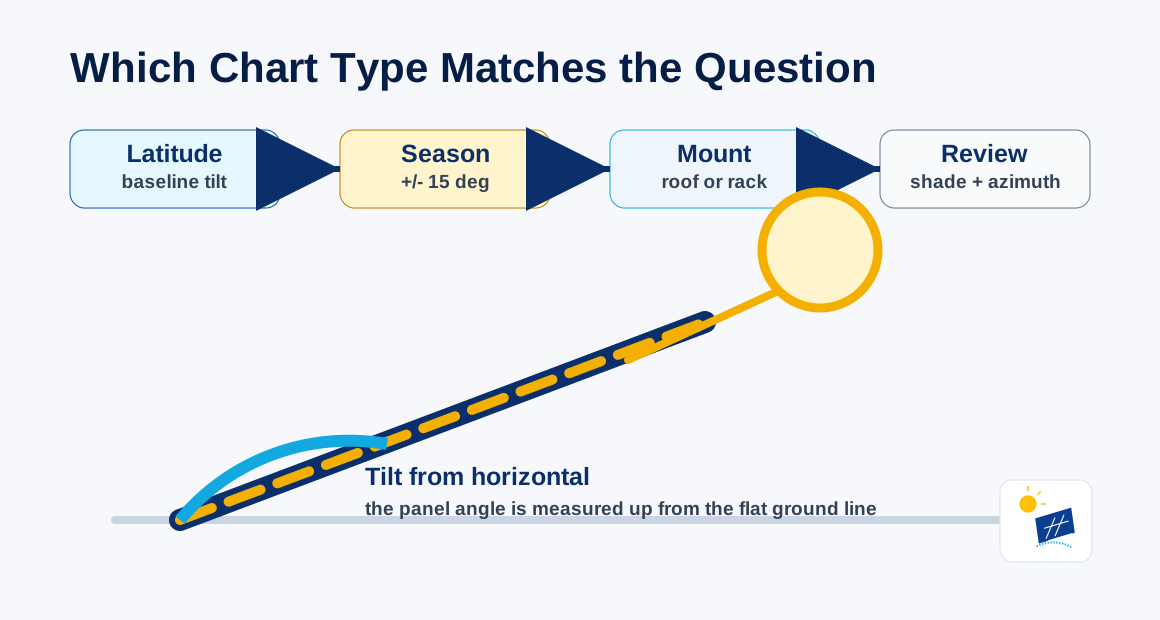
The right chart type depends on the query. Latitude charts answer baseline tilt, seasonal charts answer summer and winter tilt, and roof charts compare target angle with installed roof slope.
Different chart types serve different search states:
| Chart type | Main query answered | Best use | Main limit |
|---|---|---|---|
| Latitude chart | angle by latitude | quick fixed tilt lookup | not roof-specific |
| Seasonal chart | angle by season | summer and winter comparison | needs adjustable mount |
| Monthly chart | angle by month | 12-step adjustment plan | high maintenance |
| ZIP code chart | angle by local area | location-specific lookup | still not roof-specific |
| Roof pitch chart | roof angle comparison | flush roof planning | needs azimuth and shade |
| State chart | broad regional scan | early planning | low precision |
The chart type matters because "solar panel angle chart" is not one intent. A user can be looking for a latitude table, a seasonal schedule, a ZIP-code table, or a roof-pitch comparison.
What does a fixed-angle chart answer?
A fixed-angle chart answers the annual compromise question: "What single tilt value fits this latitude?" It is useful when the panel will stay in one position all year. Fixed charts work best for ground racks, flat-roof racks, and planning estimates where the user needs one baseline number before checking the actual mount.
What does a seasonal chart answer?
A seasonal chart answers a different query: "What angle fits summer, winter, spring, and fall?" It is useful only when the mount can be adjusted safely. Seasonal values can create false precision when the panel is flush on a pitched roof because the roof does not change slope by month.
What does a roof-pitch chart answer?
A roof-pitch chart answers the installability question: "How different is the chart target from my roof angle?" It does not automatically say to change the panel plane. It shows the mismatch that needs discussion with racking, wind, roof condition, waterproofing, and access in mind.
What fixed, summer, and winter angles fit common latitudes?
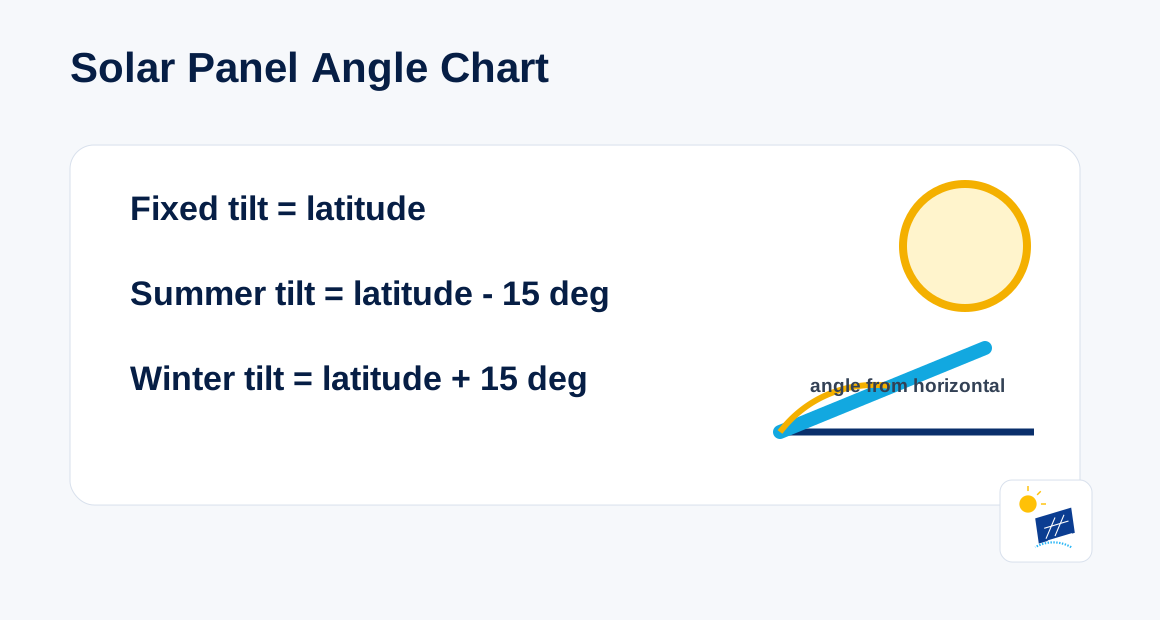
Common latitude charts use fixed tilt equal to latitude, summer tilt equal to latitude minus 15 deg, and winter tilt equal to latitude plus 15 deg.
The table below gives the core planning pattern:
| Latitude | Fixed tilt | Summer tilt | Winter tilt |
|---|---|---|---|
| 0 deg | 0 deg | 0 deg | 15 deg |
| 10 deg | 10 deg | 0 deg | 25 deg |
| 20 deg | 20 deg | 5 deg | 35 deg |
| 30 deg | 30 deg | 15 deg | 45 deg |
| 40 deg | 40 deg | 25 deg | 55 deg |
| 50 deg | 50 deg | 35 deg | 65 deg |
| 60 deg | 60 deg | 45 deg | 75 deg |
Low-latitude summer tilt stops at 0 deg because a negative value tilts the panel past flat toward the wrong side. High-latitude winter values become steep and need wind, snow, access, and racking review.
NASA explains that Earth's tilt creates opposite seasons in the Northern and Southern Hemispheres. The chart values can use the same latitude magnitude, but the month order changes by hemisphere. Northern Hemisphere winter values usually apply around December and January. Southern Hemisphere winter values usually apply around June and July.
The chart also shows why a single state-wide value is rough. Two cities in the same state can sit at different latitudes, and a large state can span several degrees. A 3 deg latitude difference creates about a 3 deg fixed-tilt difference under the latitude rule. That difference is small for early planning, but it matters when the user expects a location-specific answer. ZIP code, city, or exact coordinates reduce that gap.
The table uses whole-degree values because solar angle planning does not need decimal-level precision before roof and shade checks. A panel set to 39 deg instead of 40 deg is not the same kind of issue as a roof that faces the wrong direction or sits under shade. The chart value gives the target region; the site review decides the usable mounted angle.
How does a chart connect to ZIP code, city, state, and latitude lookup?
A chart connects location lookups by turning each place into latitude first. State lookup is broad, ZIP code and city lookup are narrower, and exact latitude gives the direct calculation.
PVWatts uses latitude and longitude as location inputs. That is why all location-based chart types eventually depend on coordinates. A ZIP code chart, city chart, state chart, and country chart differ mainly in how precise the location step is.
State charts are good for scanning. City charts are better for local planning. ZIP code charts are more specific than state charts. Exact latitude is the cleanest input when a user has coordinates. Address-level tools can be more useful when they also connect the result to roof pitch, azimuth, and shade review.
The lookup ladder is:
- State chart: broad estimate.
- City chart: local estimate.
- ZIP code chart: tighter local estimate.
- Latitude chart: direct mathematical input.
- Roof and azimuth check: installability check.
This ladder prevents a common chart mistake: treating a location table as a roof-specific answer.
How do you read a solar panel angle chart correctly?
Read a solar panel angle chart by choosing the location precision first, selecting fixed or seasonal intent second, then comparing the chart value with the real mount angle.
Start with the location. If the chart is by latitude, use the site's latitude. If the chart is by ZIP code or city, understand that the tool is converting that place into coordinates. If the chart is by state, treat the number as a regional estimate.
Next choose the time frame. A fixed chart gives one yearly value. A seasonal chart gives broad summer and winter values. A monthly chart gives a more detailed adjustment schedule. Do not use monthly values unless the array is designed for repeat adjustment.
Then compare the value to the mount. A flat-roof rack can be set near the chart value if wind, ballast, row spacing, and access allow it. A flush roof array uses the roof slope. A ground rack has more freedom but still needs structural and access checks. A tracker belongs in a separate category because it changes angle through motion.
Finally, connect the chart to azimuth and shade. Tilt is vertical slope. Azimuth is compass direction. Shade is sunlight access. A chart cannot see the roof's direction or the shadows crossing the panel surface, so it cannot finish the decision alone.
How do roof pitch and azimuth change chart values?
Roof pitch and azimuth change chart values because the chart gives a target angle, while a roof gives an installed slope and direction. Both need comparison.
Roof pitch is the roof slope measured from horizontal. A flush-mounted panel follows that slope. A chart can say 40 deg, but a 27 deg roof produces a 27 deg installed tilt unless racking changes the panel plane.
Azimuth is compass direction. NREL PVWatts uses azimuth as a separate input from tilt with valid values from 0 deg to less than 360 deg. A chart can show the right vertical angle and still miss the directional problem when the roof faces east, west, or north.
Shade adds another layer. DOE guidance states that solar potential depends on how much sun reaches the site. A chart does not see trees, chimneys, dormers, hills, adjacent buildings, or roof obstructions. A shaded roof with a strong chart value still needs site review.
What chart-reading mistakes create wrong solar angle decisions?
Chart-reading mistakes include using the wrong hemisphere, applying monthly values to fixed roofs, ignoring roof pitch, ignoring azimuth, ignoring shade, and treating chart values as production estimates.
The wrong hemisphere reverses the seasonal months. Monthly values do not fit a mount that cannot move. Roof pitch replaces chart tilt for flush-mounted panels. Azimuth checks compass direction. Shade checks sunlight access.
The production-estimate mistake is especially common. PVWatts uses tilt, azimuth, array type, losses, location, and weather data. A solar panel angle chart supplies one planning input. It does not output PV production by itself.
Final installation decisions require site assessment because online tools do not capture every home-specific variable. The chart guides the next calculation; it does not end the planning process.
Another chart mistake is forgetting the measurement base. Solar panel angle is measured from horizontal. Roof pitch is often written as rise over run. A 6:12 roof is not "6 degrees"; it is a slope ratio that needs conversion before it can be compared with a solar tilt chart. The same problem happens when users compare roof direction with panel angle. South, southwest, east, and west describe azimuth, not tilt.
The safest chart workflow is simple: use the chart to get the target, use roof pitch to find the installed tilt, use azimuth to find direction, use shade review to check sunlight, then use a calculator or model to combine the inputs. That workflow keeps the chart useful without making it carry jobs it was not built to carry.
Use one tool after this page: Calculate Your Solar Panel Angle.
Source Notes
- C001-C004: NREL PVWatts V8 documents tilt, azimuth, location, and array type inputs.
- C010-C012: DOE and NASA explain site sunlight, installer assessment limits, and hemisphere season reversal.
- C013: Site methodology defines fixed, summer, and winter tilt formulas.
Calculate your solar panel angle
Use the calculator with your location, roof, mount, and orientation context to turn the page answer into a usable planning result.
Calculate My Solar Panel Angle